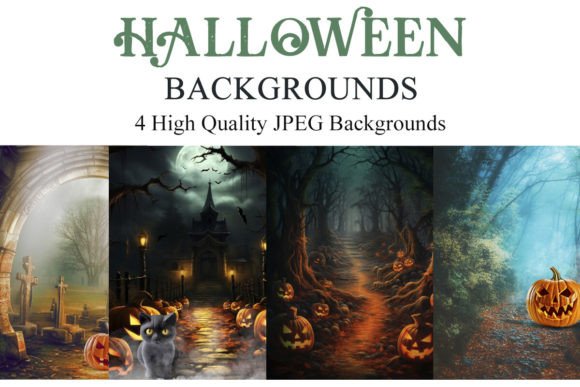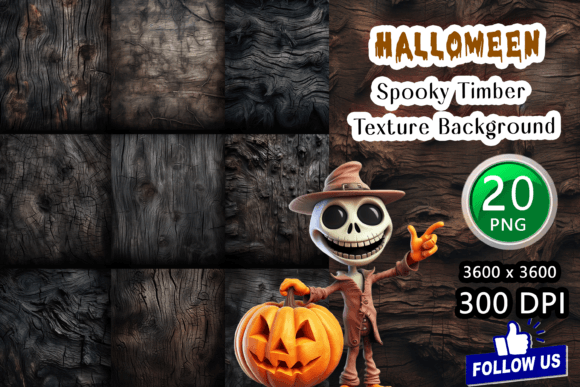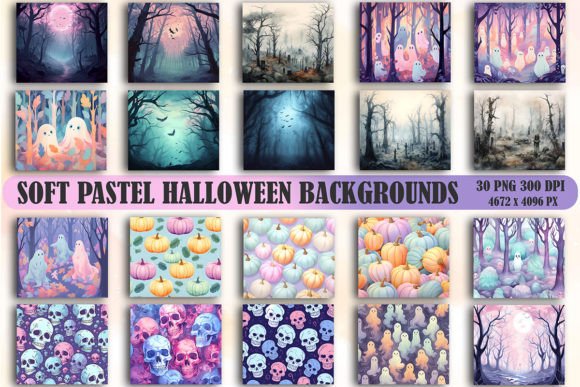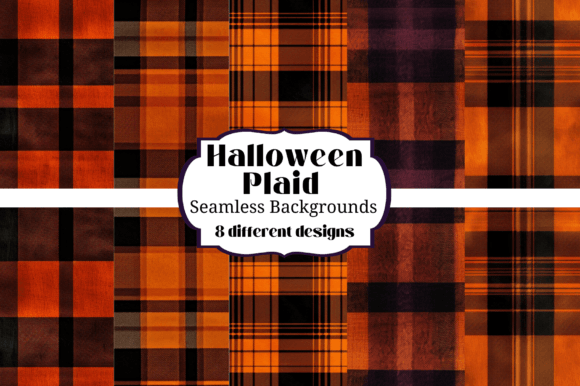
Creepy Scenes Halloween Backgrounds for Photo Editing
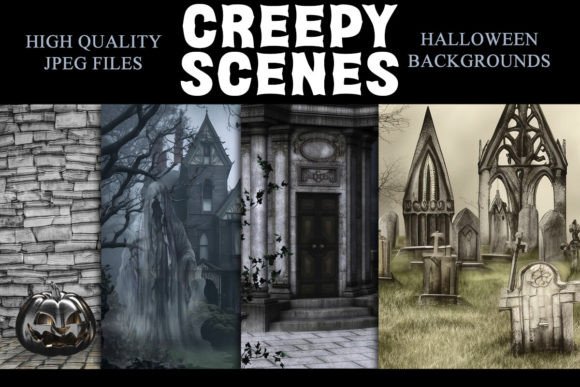
Every photographer knows the struggle: you have a brilliant concept for a Halloween portrait, but building an elaborate set is expensive, time-consuming, and requires storage space you simply don't have. This is where Creepy Scenes Halloween Backgrounds change the game. These high-quality digital backdrops offer a practical, cost-effective solution for creating immersive, spooky atmospheres without the physical hassle. Designed for seamless integration into any layer-based photo editing software, they empower you to construct compelling visual narratives from the comfort of your studio.
The Practical Magic of Digital Prop Backdrops
Forget about sourcing old furniture, painting flats, or worrying about prop storage. Digital backdrops are a permanent, reusable asset library. The value is immediate: you save significant setup time, reduce material costs, and eliminate the need for physical storage. For a small business owner or a busy portrait photographer, this efficiency translates directly to profitability and creative freedom. You can offer a wider variety of seasonal mini-sessions without the overhead of a traditional set build.
These assets are true design assets for the modern creative. They function as a premium font does for a typographer—a specialized tool that elevates the final product. Whether you use Adobe Photoshop, Lightroom with the ON1 plugin, Paint Shop Pro, PicMonkey, or GIMP, the workflow is consistent. The backdrops, typically provided as high-resolution JPEG files (8″ x 10″ at 3000 × 2400 px and 300dpi), serve as your foundational layer. Your subject, photographed separately with careful attention to lighting and perspective, becomes the composited layer. The result is a polished, professional image that tells a complete story.
Visual Storytelling and Brand Atmosphere
The personality of Creepy Scenes Halloween Backgrounds is all about atmospheric tension. Think moody, textured environments: a decaying Victorian parlor, a misty graveyard at dusk, a witch’s cluttered workshop, or a haunted forest path. The style leans into realism and detail, providing a believable context that makes your subject pop. This isn’t flat, cartoonish imagery; it’s rich with subtle gradients, realistic shadows, and intricate details that add depth and credibility to your composites.
This atmospheric quality has a direct impact on brand perception and audience engagement. For a photographer, consistently using these backdrops can help define a signature style—perhaps one known for dark, cinematic portraiture. For a blogger or content creator, these scenes become the visual hierarchy of a Halloween-themed social media campaign, instantly setting a recognizable mood. The professionalism of the final image elevates the perceived value of your service or content, fostering stronger recognition among your audience.
Integrating Digital Backdrops into Your Creative Workflow
Using these backdrops effectively requires more than a simple drag-and-drop. The key to a believable composite lies in planning. Before you even open your editing software, consider the directional lighting in the backdrop design. Is the primary light source coming from a candelabra on the left? A moonlit window on the right? You must light your subject to match. This attention to detail is what separates an amateurish collage from a seamless, professional piece of composite photography.
Here’s a practical approach to get the best results:
- Plan Your Composition: Sketch out your idea. Decide where your subject will be placed within the scene to ensure a balanced and compelling layout.
- Match Lighting and Perspective: Photograph your subject with light coming from the same direction as in the backdrop. Ensure the camera angle and lens choice are compatible to avoid distortion.
- Refine with Editing Tools: Use layer masks, blending modes, and adjustment layers (like Curves and Color Balance) to harmonize the color temperature and contrast between your subject and the new background.
- Add Atmospheric Effects: Enhance the scene with subtle overlays like fog, dust particles, or light leaks to unify the elements and add depth.
Beyond Portraits: Diverse Applications for Creepy Scenes
The utility of these high-quality digital backdrops extends far beyond family Halloween portraits. They are versatile assets for a range of creative and commercial projects:
- Marketing & Social Media: Create eye-catching social media graphics, Facebook ads, or email headers for seasonal promotions. A product photographed against a spooky backdrop can dramatically increase thematic impact.
- Blog & Editorial Content: Bloggers can use these scenes as featured images for Halloween-themed articles, recipes, or craft tutorials, instantly setting the tone and improving visual appeal.
- Digital Products & Printables: Designers can incorporate these backgrounds into Halloween invitation templates, party flyers, or printable wall art for sale on platforms like Etsy.
- Personal Projects: Crafters and hobbyists can use them to create unique digital scrapbook pages, personalized photo gifts, or fun family announcements.
- Small Business Branding: A local bakery, bookstore, or costume shop can use these backdrops to create a cohesive, atmospheric look for their October marketing materials, strengthening their brand identity during the holiday.
Choosing and Evaluating Your Digital Backdrops
When selecting a package of Creepy Scenes Halloween Backgrounds, think like a designer evaluating a new typeface. Consider the font pairing of elements within the scene itself. Does the style of the backdrop match the aesthetic of your typical work? A gothic, ornate scene pairs well with a different subject style than a rustic, farmhouse Halloween setting.
Always review the included files and their technical specifications. The 8″ x 10″ (3000 × 2400 px) size at 300dpi is excellent for high-quality print output and detailed digital work. Check the license to ensure it covers your intended use, especially for commercial projects. Most importantly, test the backdrops with your own photography. A quick mock-up will reveal how well the lighting, perspective, and color palette integrate with your style, ensuring the asset is a genuine fit for your toolkit. By treating these digital backdrops as fundamental design assets